01
Save it
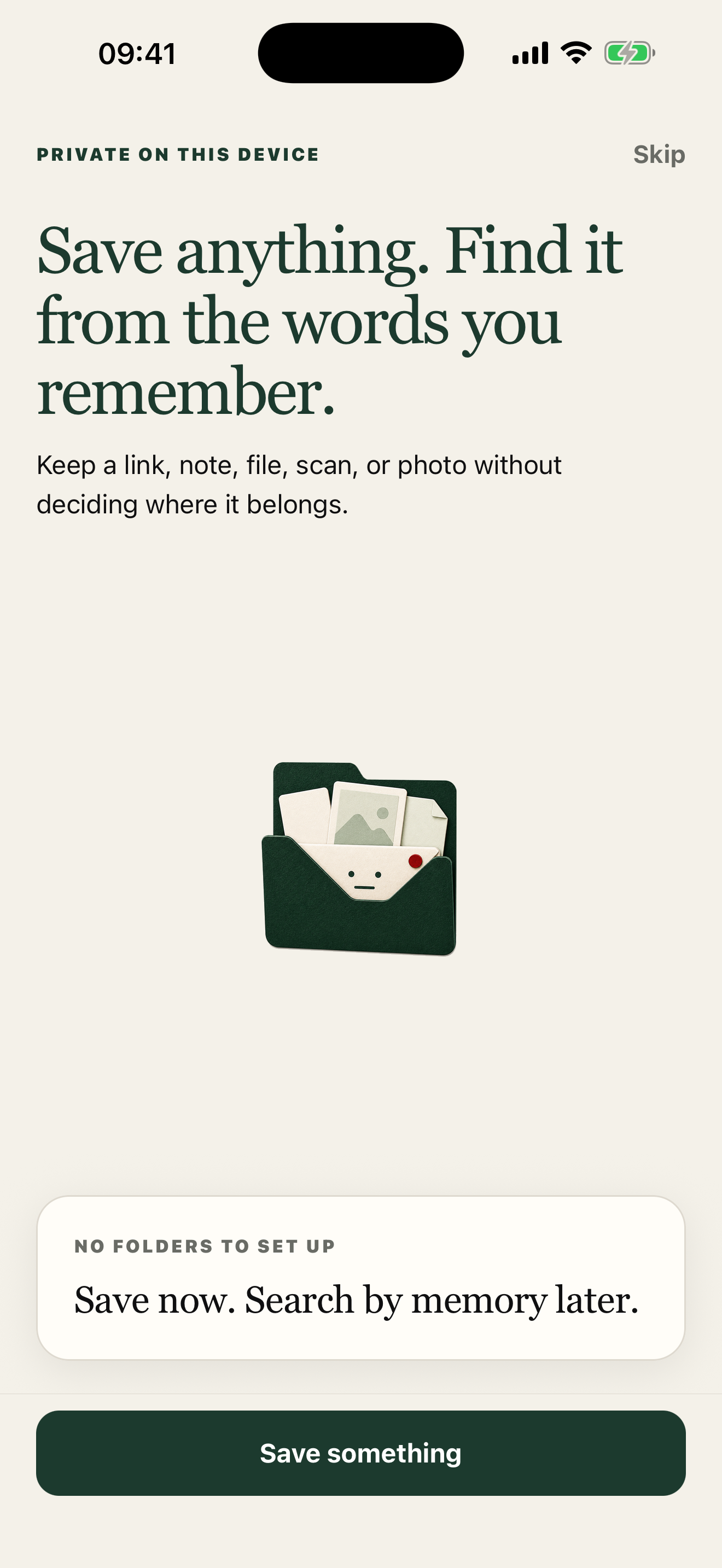
Share anything to Saved Here from any app.
 Saved Here
Private by design · iPhone
Links, notes, scans, and files stay on your device — without folders to maintain.
No account required. The real App Store link will replace this status as soon as the listing is live.
Save without sorting
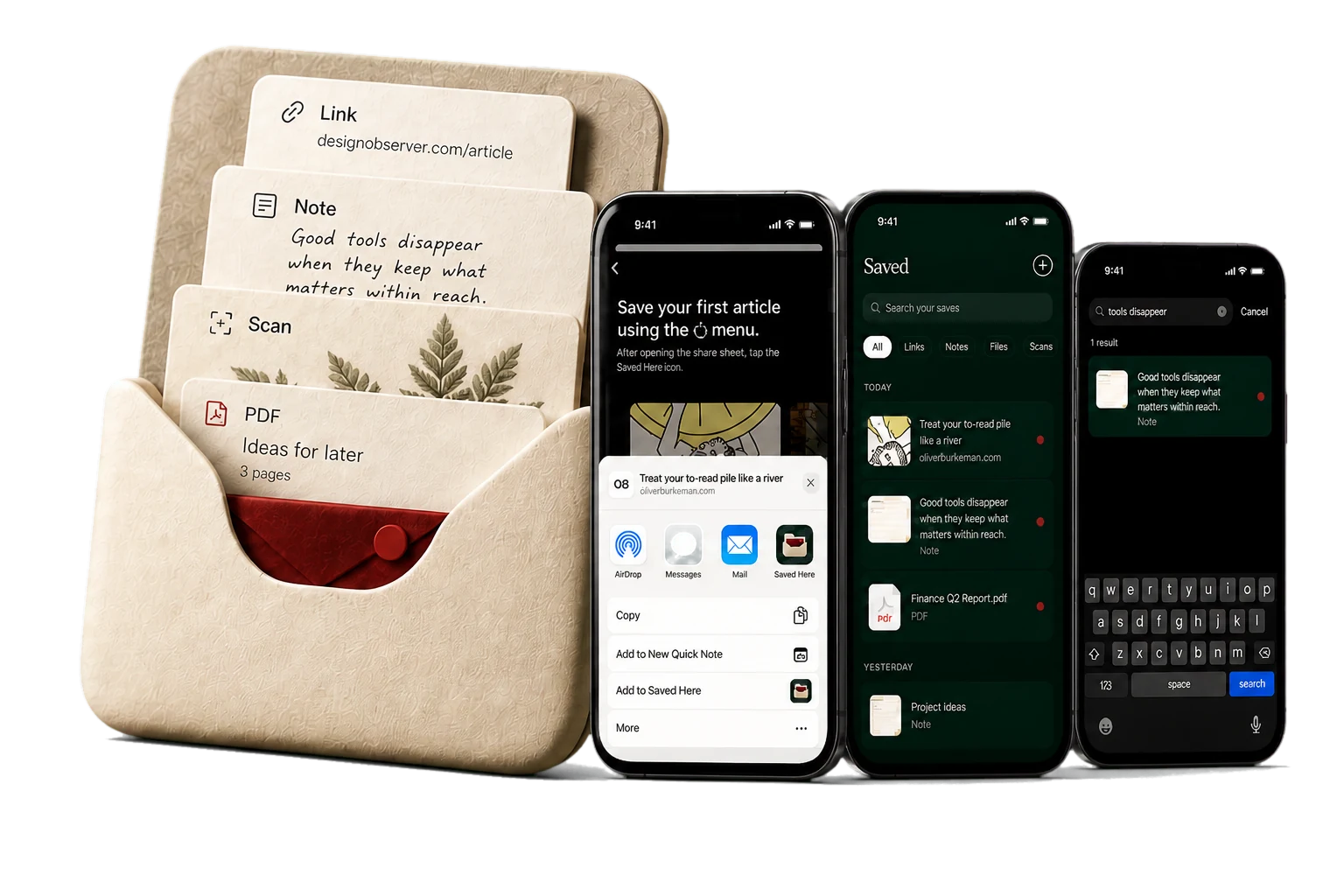
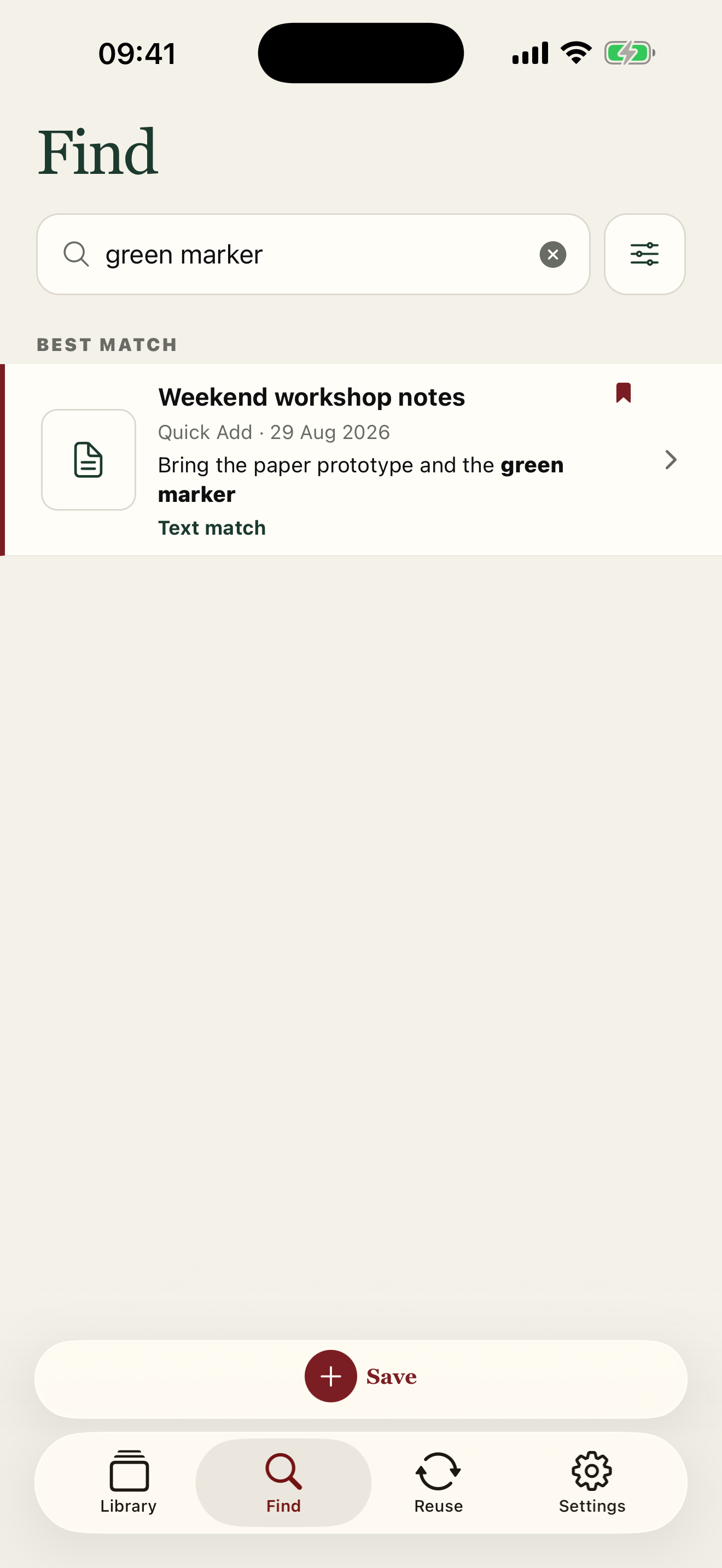
Send it to Saved Here. Search for the part you remember. Your library stays on this iPhone.
Watch the save-to-find loop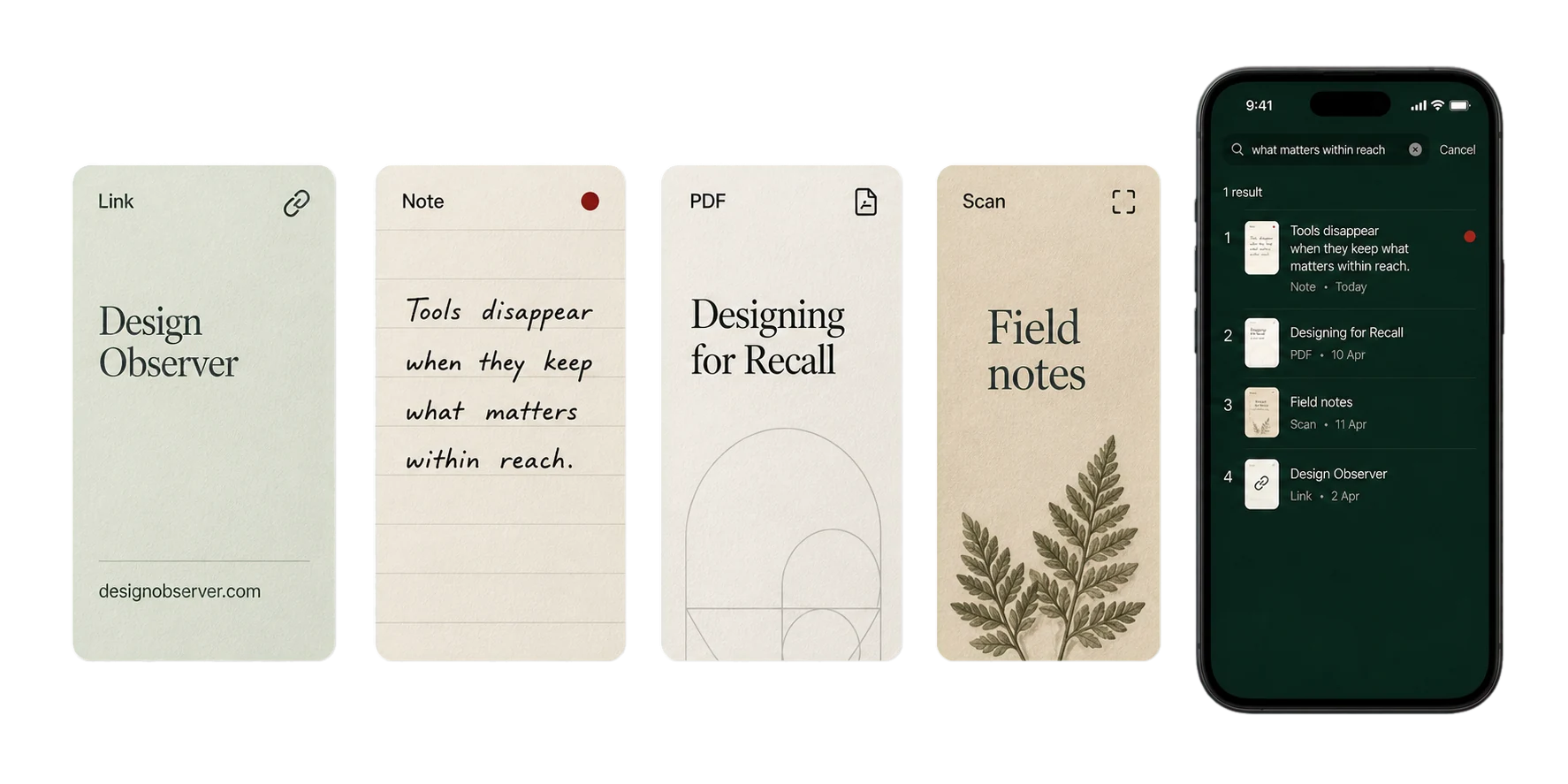
A quieter capture flow
Share anything to Saved Here from any app.
No folders to choose. No tags to invent.
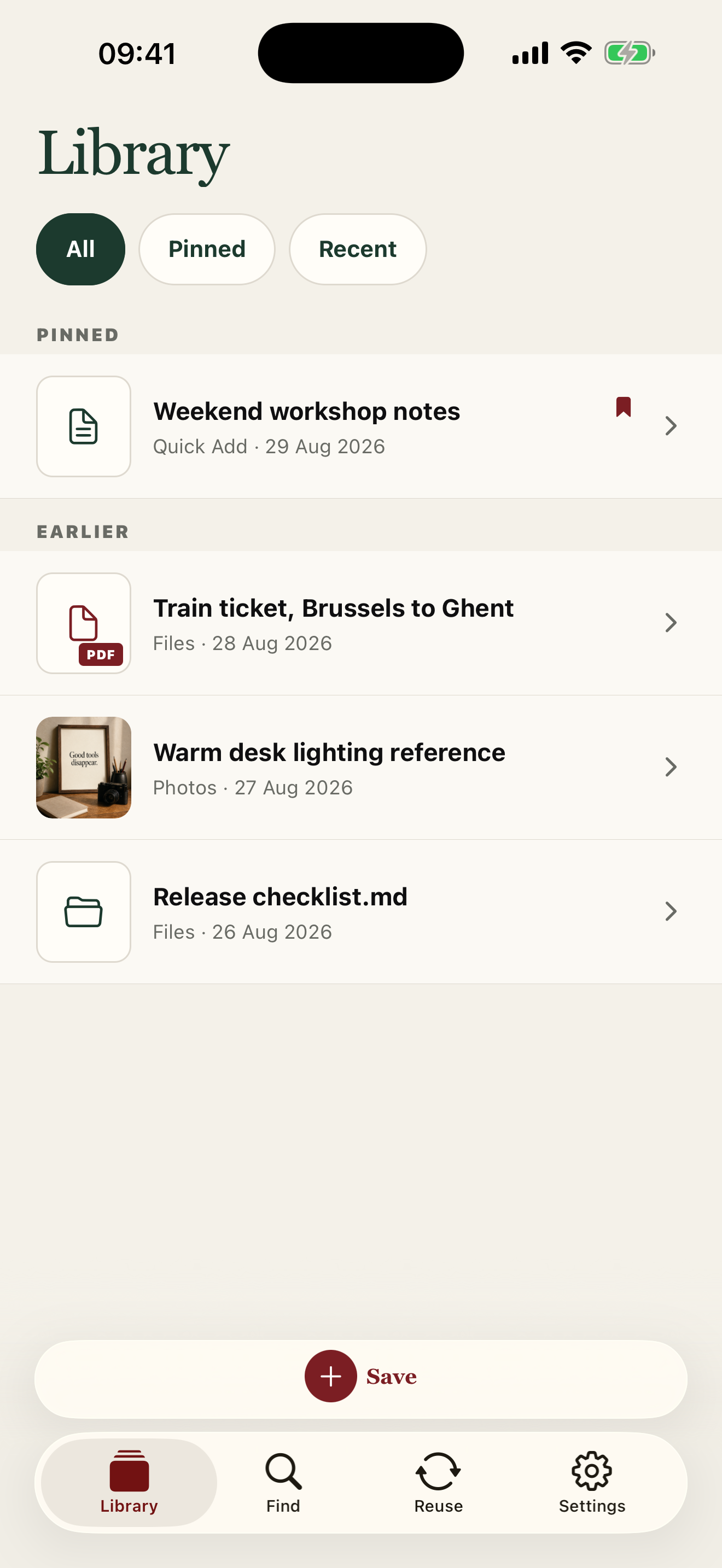
Search for what you remember, or ask Spotlight.
Built to stay out of the way
Saved Here removes the upkeep that usually comes after saving.
Honest limits
Saved Here stores its library on this device. Files you explicitly choose from Files or iCloud are copied locally. Deleting the app removes the local library and its Spotlight index.
Read the accessibility statement